Top 10 VS Code Extensions Every Developer Should Use in 2025
Top 10 VS Code Extensions Every Developer Should Use in 2025
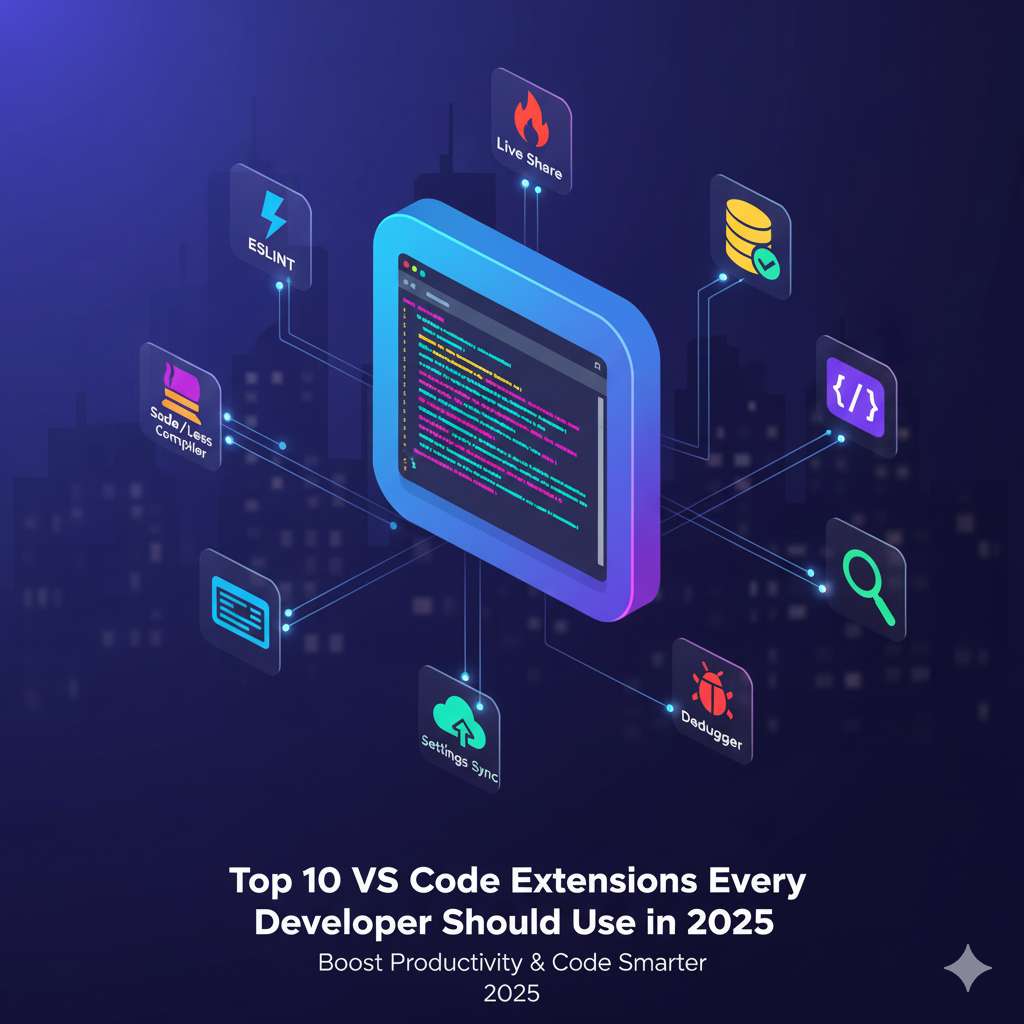
Visual Studio Code (VS Code) remains the most popular code editor among developers in 2025. With its huge marketplace of extensions, you can transform VS Code into a complete development powerhouse. Here are the top 10 VS Code extensions every developer should use to boost productivity, improve code quality, and write smarter.
1. GitHub Copilot
AI-powered and trained on billions of lines of code, GitHub Copilot helps developers write functions, generate snippets, and autocomplete intelligently. It’s like having an AI coding assistant inside VS Code.
2. Prettier – Code Formatter
Keep your code consistent and beautiful. Prettier automatically formats your code according to predefined rules for languages like JavaScript, PHP, and HTML.
3. Live Server
This is a must-have for frontend developers. It launches a local development server with live reload for static and dynamic pages. Perfect for quick web design testing.
4. ESLint
ESLint helps you find and fix problems in your JavaScript and TypeScript code. It enforces best practices and helps maintain a clean, error-free codebase.
5. Auto Rename Tag
A simple yet powerful extension that automatically renames paired HTML tags. It saves time and reduces errors when editing HTML structures.
6. Path Intellisense
Stop manually typing file paths! Path Intellisense autocompletes filenames and directories in your project, making navigation smoother.
7. Bracket Pair Colorizer 2
This extension colors matching brackets to make nested code blocks easier to read. Perfect for developers working with complex logic or long functions.
8. REST Client
If you often work with APIs, REST Client lets you send HTTP requests directly from VS Code. No need for Postman — it’s built right into your editor.
9. Code Spell Checker
Typos in variable names or comments can cause confusion. Code Spell Checker detects spelling errors in your code, comments, and strings instantly.
10. Better Comments
This extension lets you create more readable, color-coded comments. You can highlight important notes, warnings, and to-dos visually.
Bonus: AI Extensions for VS Code
Developers are now integrating AI-powered tools like AI for Web Development and AI Tools for Developers to make VS Code even smarter. These tools improve coding efficiency and debugging speed.
Optimize Your Development Workflow
Combining these extensions with the right tools can double your productivity. For instance, you can use online utilities like the JSON Formatter and CSS/JS Minifier to clean and optimize your code while working inside VS Code.
Final Thoughts
VS Code’s power lies in its flexibility and community support. By choosing the right extensions, you can transform it into a customized coding environment suited to your workflow. Start exploring these extensions and level up your coding experience in 2025.
Want to stay ahead of the curve? Check out our blogs on Web Development Trends 2025 and Best Programming Languages to Learn 2025 for more developer insights.