What Is Semantic HTML and Why It Matters for Web Developers
Introduction
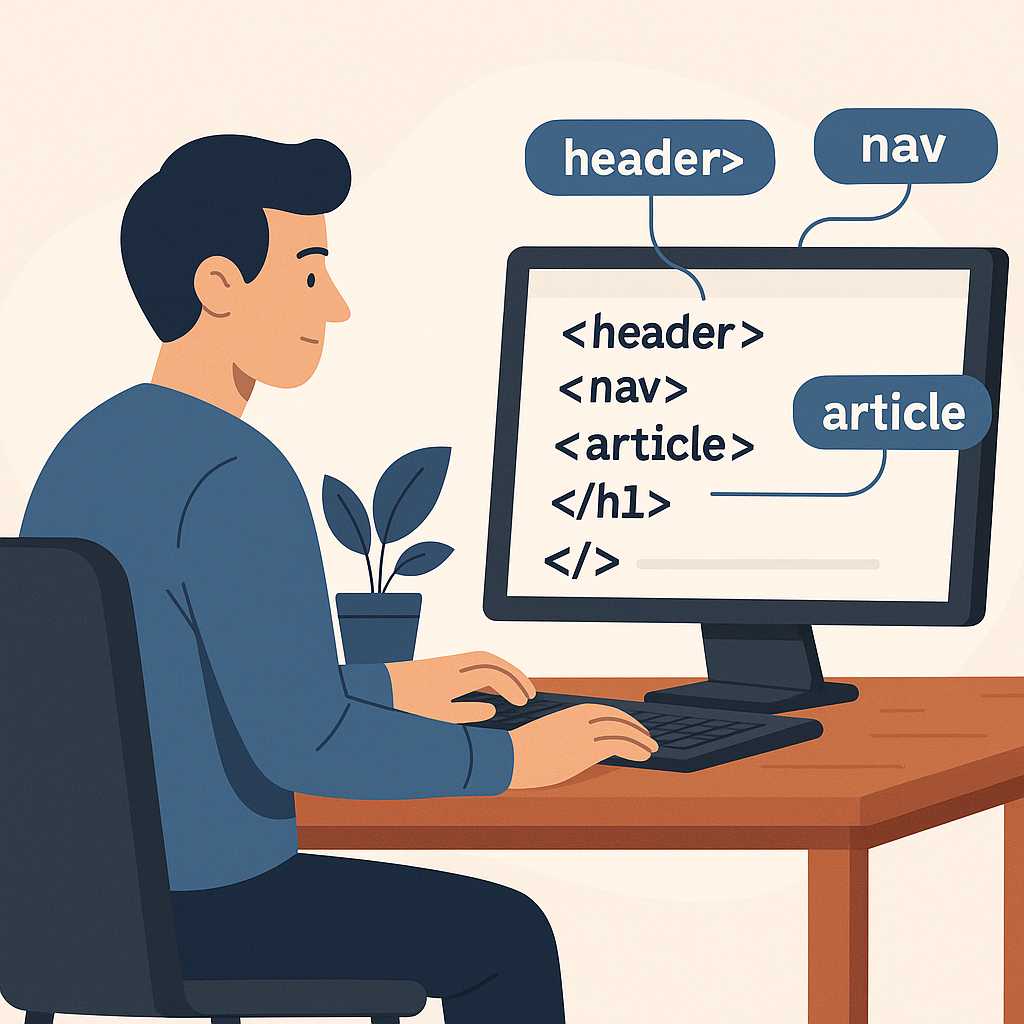
When you view the source code of a modern website, you’ll notice tags like <header>, <article>, <main>, and <footer>. These are known as semantic HTML elements. Unlike generic containers such as <div> and <span>, semantic HTML adds meaningful structure to your web pages, making them easier for browsers, developers, and assistive technologies to understand.
In this guide, you’ll learn what semantic HTML is, why it matters, and how you can use it to create cleaner, more accessible, and SEO-friendly web pages. We’ll also look at practical examples and compare semantic vs non-semantic elements.
What Is Semantic HTML?
Semantic HTML refers to HTML elements that convey meaning about the content they contain. In other words, the tag itself describes its purpose. For example, a <nav> element indicates navigation links, while a <footer> represents the bottom section of a webpage.
Before HTML5, web developers relied heavily on <div> and <span> for layout. This made code harder to read and maintain. HTML5 introduced a wide range of semantic elements to improve structure, accessibility, and clarity.
Examples of Semantic Elements
<header>– Defines the top section of a webpage or article.<nav>– Represents a set of navigation links.<main>– Contains the primary content of the document.<article>– Defines independent, self-contained content such as a blog post or news story.<section>– Groups related content within a document.<aside>– Represents side content, such as ads or sidebars.<footer>– Contains copyright or contact information.
Here’s a simple example of semantic structure in a webpage:
<header>
  <h1>KnowAdvance Web Blog</h1>
  <nav>
    <a href="#">Home</a>
    <a href="#">Articles</a>
    <a href="#">Contact</a>
  </nav>
</header>

<main>
  <article>
    <h2>What Is Semantic HTML</h2>
    <p>Semantic HTML helps browsers understand content meaning.</p>
  </article>
</main>

<footer>
  <p>© 2025 KnowAdvance.com</p>
</footer>
Why Semantic HTML Matters
Semantic HTML improves several key aspects of web development — from SEO to accessibility and code maintenance. Let’s break down why using semantic elements is a best practice in modern web design.
1. Improves SEO (Search Engine Optimization)
Search engines like Google use semantic HTML to better understand the context of a webpage. Tags such as <article> and <header> help search crawlers determine which content is important. This increases the likelihood of better rankings in search results.
Additionally, semantic elements improve the structure of your HTML, which enhances your site’s readability and may improve features like Google’s rich snippets and featured snippets.
2. Enhances Accessibility
Screen readers and assistive technologies rely on semantic HTML to interpret web pages accurately. When you use <nav> for navigation or <main> for primary content, screen readers can provide users with better context and navigation options.
Accessibility isn’t just a best practice — it’s a responsibility. By using proper semantic tags, you ensure your content is inclusive and usable by everyone.
3. Easier Maintenance and Readability
Semantic HTML makes your code more organized and readable. Developers can quickly understand what each section of a webpage represents without needing extra comments or documentation. This is especially helpful for teams working on large-scale projects.
For example, compare this non-semantic version:
<div id="header">...</div>
<div id="content">...</div>
<div id="footer">...</div>
With this semantic version:
<header>...</header>
<main>...</main>
<footer>...</footer>
Even without IDs or comments, the semantic version is instantly easier to understand.
4. Better for Responsive Design
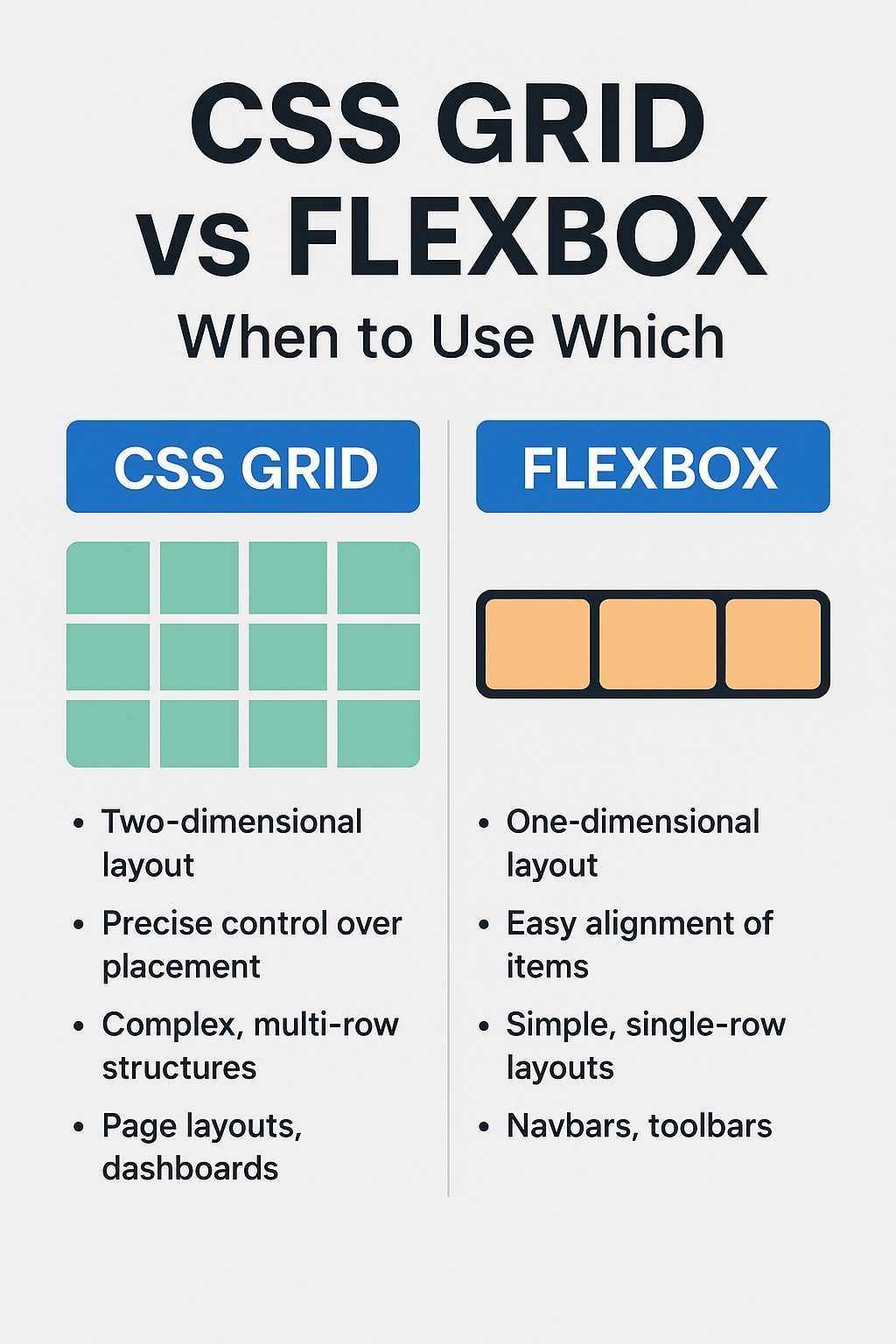
Semantic HTML works seamlessly with modern CSS techniques such as flexbox and grid. When you build a responsive layout, it’s easier to style specific page regions using semantic tags as selectors. Learn more about building adaptive layouts in our detailed guide on how to create responsive websites easily.
Semantic vs Non-Semantic Elements
To truly understand the value of semantic HTML, it helps to compare it with non-semantic elements. Non-semantic elements like <div> and <span> provide no meaning about their content. They are purely structural and must rely on classes or IDs for context.
Example Comparison
<!-- Non-semantic version -->
<div class="post">
  <div class="post-title">Semantic HTML Guide</div>
  <div class="post-content">Learn why semantic HTML matters.</div>
</div>

<!-- Semantic version -->
<article>
  <h2>Semantic HTML Guide</h2>
  <p>Learn why semantic HTML matters.</p>
</article>
The second example not only improves readability but also helps browsers, search engines, and assistive tools identify the content type and hierarchy.
Common Semantic HTML Elements and Their Uses
Let’s look at the most commonly used semantic elements and their real-world use cases.
| Tag | Description | Example Use |
|---|---|---|
<header> |
Introduces the main heading or navigation of a page. | Site headers or section titles. |
<nav> |
Groups navigation links. | Menu or sidebar navigation. |
<section> |
Groups related content together. | Topic sections in a blog post. |
<article> |
Represents self-contained content. | Individual blog posts or news articles. |
<aside> |
Contains supplementary content like ads or sidebars. | Related links or callouts. |
<footer> |
Contains author info, copyright, or links. | Page or article footer. |
How Semantic HTML Impacts SEO
Semantic HTML plays a major role in how search engines interpret your web content. Tags like <article>, <section>, and <h2> help define the logical hierarchy of information. This structure makes it easier for search crawlers to determine which parts of your page are most relevant to specific queries.
Structured Data and Semantics
While semantic HTML isn’t the same as structured data (like schema.org markup), both work hand-in-hand. Semantic tags provide a human-readable structure, while structured data provides machine-readable context. Using both together gives your website a competitive SEO advantage.
Code Example: A Semantic Blog Layout
<article>
  <header>
    <h2>Understanding Semantic HTML</h2>
    <p>By John Doe | March 2025</p>
  </header>
  <section>
    <p>Semantic HTML improves SEO and accessibility.</p>
  </section>
  <footer>
    <p>Tags: HTML5, Web Development</p>
  </footer>
</article>
Notice how the tags describe both structure and meaning. This approach is more SEO-friendly than a layout filled with <div> tags.
Learning the Basics of HTML
If you're still new to HTML, it’s important to understand foundational tags before diving deeper into semantics. Check out our beginner-friendly guide on 10 useful HTML tags every developer should know to strengthen your basics.
Next Steps
So far, we’ve covered what semantic HTML is and why it’s important for SEO, accessibility, and structure. In the next part, we’ll dive deeper into how to use semantic tags in real-world projects, explore accessibility benefits, and show you how to integrate semantic design with modern frameworks.
Applying Semantic HTML in Real-World Projects
Semantic HTML is not just about using the right tags — it’s about structuring your entire webpage to be meaningful, readable, and maintainable. In real-world development, semantic HTML improves collaboration between teams, enhances SEO, and creates better user experiences.
1. Structuring a Blog Page with Semantic HTML
Let’s look at a practical example of a blog layout using semantic elements. Each section has a purpose, and together they form a clear document structure.
<header>
  <h1>KnowAdvance Blog</h1>
  <nav>
    <ul>
      <li><a href="/">Home</a></li>
      <li><a href="/categories/html">HTML</a></li>
      <li><a href="/categories/css">CSS</a></li>
    </ul>
  </nav>
</header>

<main>
  <article>
    <header>
      <h2>What Is Semantic HTML and Why It Matters</h2>
      <p>By KnowAdvance Editorial | April 2025</p>
    </header>
    <section>
      <p>Semantic HTML helps browsers and assistive technologies understand your content better.</p>
    </section>
  </article>
</main>

<aside>
  <h3>Related Articles</h3>
  <ul>
    <li><a href="https://knowadvance.com/blog/difference-between-div-and-span-in-html">Difference Between div and span in HTML</a></li>
    <li><a href="https://knowadvance.com/blog/top-5-free-code-editors-for-web-developers">Top 5 Free Code Editors for Web Developers</a></li>
  </ul>
</aside>

<footer>
  <p>© 2025 KnowAdvance.com. All rights reserved.</p>
</footer>
This layout follows a logical, semantic hierarchy — making it easier for search engines and screen readers to interpret the page content accurately.
2. Semantic HTML for Navigation and Links
Navigation menus are critical for usability. By using <nav> and meaningful link text, users (and bots) can understand where each link leads without ambiguity.
<nav aria-label="Main Navigation">
  <ul>
    <li><a href="/home">Home</a></li>
    <li><a href="/blog">Blog</a></li>
    <li><a href="/contact">Contact</a></li>
  </ul>
</nav>
Adding attributes like aria-label enhances accessibility, allowing screen readers to describe the navigation’s purpose clearly.
3. Using Semantic HTML with ARIA Roles
In some cases, you can combine semantic HTML with ARIA (Accessible Rich Internet Applications) attributes to further improve accessibility. This is especially useful for dynamic or interactive web applications.
<section role="region" aria-labelledby="about-us">
  <h2 id="about-us">About Our Company</h2>
  <p>We focus on building accessible, high-performance websites.</p>
</section>
Even though semantic tags already provide meaning, ARIA roles act as an additional layer to help assistive devices interpret complex layouts or JavaScript-driven content.
Benefits of Semantic HTML for Accessibility
Accessibility (often abbreviated as “a11y”) is a core pillar of semantic HTML. By defining meaningful roles and structures, your web pages become usable by people with various disabilities — including those relying on screen readers or keyboard navigation.
How Semantic HTML Supports Accessibility
- Screen Reader Compatibility: Elements like
<header>,<nav>, and<main>are recognized by assistive technologies. - Keyboard Navigation: Users can navigate through landmarks using keyboard shortcuts.
- Improved Context: Semantic tags describe the purpose of each section, aiding comprehension.
- Better Error Detection: Screen readers can identify missing labels or headings when markup is semantic.
Example: Accessible Form Using Semantic Markup
<form>
  <label for="email">Email Address:</label>
  <input type="email" id="email" name="email" required>
  <button type="submit">Subscribe</button>
</form>
Using <label> ensures that screen readers correctly associate input fields with their descriptions. This makes forms easier and more intuitive for all users.
Modern Best Practices for Semantic HTML
As web technologies evolve, the importance of semantic markup continues to grow. Here are the latest best practices every developer should follow in 2025 and beyond:
- Adopt a logical structure: Organize content hierarchically with proper heading levels (
<h2>→<h3>→<h4>). - Use descriptive tags: Replace unnecessary
<div>elements with meaningful alternatives like<section>or<article>. - Combine with CSS Grid or Flexbox: Style semantic layouts without breaking their structure.
- Ensure mobile-friendliness: Pair semantic HTML with responsive techniques. Learn more in our guide on how to create responsive websites easily.
- Validate your markup: Use tools like the W3C HTML Validator to ensure proper structure.
Semantic HTML and SEO: A Winning Combination
Semantic HTML isn’t just about accessibility or aesthetics — it’s a direct contributor to better SEO performance. Google’s algorithms prioritize well-structured, meaningful content because it helps the search engine understand what your page is about.
Ways Semantic HTML Boosts SEO
- Enhances content hierarchy, helping crawlers index correctly.
- Improves click-through rates by generating better snippets.
- Helps Google identify important page sections (e.g.,
<main>vs<aside>). - Supports structured data integration for rich results.
SEO Tip:
Combine semantic HTML with schema.org microdata for maximum search visibility. For instance, wrap your blog posts in <article> with itemtype="https://schema.org/BlogPosting" to help search engines understand your content type.
Common Mistakes to Avoid
Even though semantic HTML is simple to implement, developers often make mistakes that reduce its effectiveness. Avoid these common pitfalls:
- Using
<div>everywhere instead of semantic tags. - Skipping heading levels (e.g., jumping from
<h2>to<h4>). - Misusing semantic elements for styling instead of meaning.
- Nesting elements incorrectly (e.g.,
<header>inside<footer>). - Ignoring accessibility attributes such as
aria-label.
Further Reading
- 10 Useful HTML Tags Every Developer Should Know
- Difference Between div and span in HTML
- Top 5 Free Code Editors for Web Developers
- How to Create Responsive Websites Easily
FAQs
1. What is the main purpose of semantic HTML?
Semantic HTML helps define the meaning and structure of web content, improving SEO, accessibility, and code readability for both humans and search engines.
2. How does semantic HTML improve SEO?
Search engines use semantic tags to understand the importance of each section of a webpage, improving indexing accuracy and visibility in search results.
3. Can I mix semantic and non-semantic elements?
Yes. While semantic elements should be preferred, non-semantic tags like <div> and <span> are still useful for styling and layout purposes when used appropriately.
4. What’s the difference between <section> and <article>?
<article> represents self-contained content (like a blog post), while <section> groups related content under a common theme or heading.
5. How can I test if my HTML is semantic and accessible?
Use browser extensions like Lighthouse or tools such as WAVE Accessibility Checker to analyze your HTML structure and get actionable recommendations.
Conclusion
Semantic HTML is more than just a coding style — it’s the foundation of accessible, SEO-friendly, and maintainable websites. By using descriptive tags that define content meaning, developers create sites that are easier to read, navigate, and rank higher on search engines. Whether you’re building a personal blog or a large-scale application, incorporating semantic HTML will make your projects cleaner, faster, and more future-ready.
Remember: great code isn’t just about how it looks in the browser — it’s also about how well it communicates structure and meaning behind the scenes.